Grow a Garden: Online & Offline

Grow a Garden: Online & Offline

4.0(532)

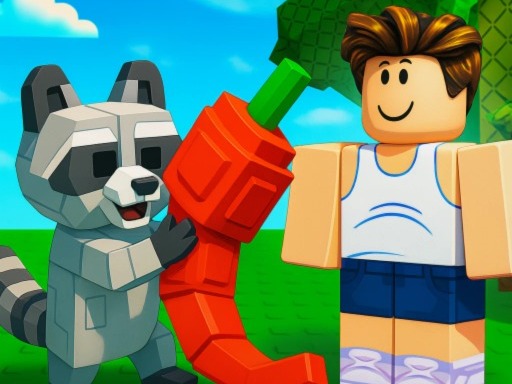
"Grow a Garden: Online & Offline" – Become the best farmer! Plant, grow, harvest, and earn millions while playing online with other players! Start with a simple plot and turn it into a huge farm with rare and magical plants. Buy seeds from the shop, which refreshes every 5 minutes. Find your plants on the market!

casualbuildfarmroblox3dmultiplayerno blood

More like this

How to Play Grow a Garden: Online & Offline

Use your mouse or tap to play. The controls are simple and intuitive — just follow the on-screen prompts. Perfect for quick sessions. Try to beat your high score each time you play!

Game Features

🎲

Casual Fun

Easy to pick up, hard to put down

🌍

Browser Play

No download required — play instantly in your browser

🎮

3D Graphics

Immersive 3D visuals and environments

👥

Multiplayer

Play with or against other players online

🆓

Free to Play

Completely free with no hidden costs

Frequently Asked Questions

Is Grow a Garden: Online & Offline free to play?
Yes, Grow a Garden: Online & Offline is completely free to play on Playbit. There are no hidden fees, no subscriptions, and no in-app purchases required. Just open the game and start playing instantly.
Do I need to download Grow a Garden: Online & Offline?
No, Grow a Garden: Online & Offline runs directly in your web browser. There is nothing to download or install. It works on Chrome, Firefox, Safari, Edge, and other modern browsers.
Can I play Grow a Garden: Online & Offline on my phone?
Yes, Grow a Garden: Online & Offline is playable on mobile devices. Simply open the game page in your mobile browser and it will adapt to your screen size. For the best experience, we recommend playing in landscape mode for casual games.
How do I save my progress in Grow a Garden: Online & Offline?
Grow a Garden: Online & Offline automatically saves your progress in your browser's local storage. As long as you play on the same device and browser, your progress will be retained. Note that clearing your browser data may reset your saved progress.